Animals
6 stickers Pet reactions
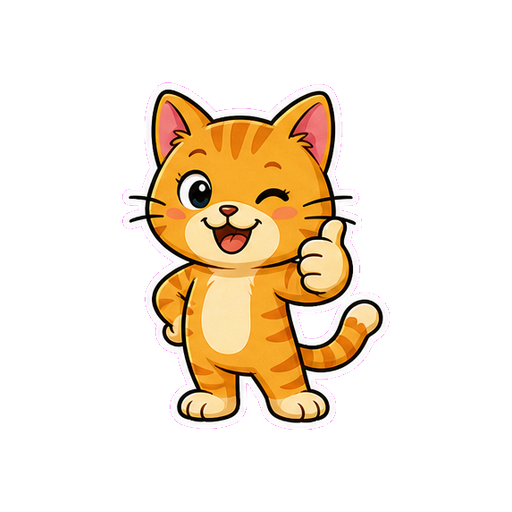
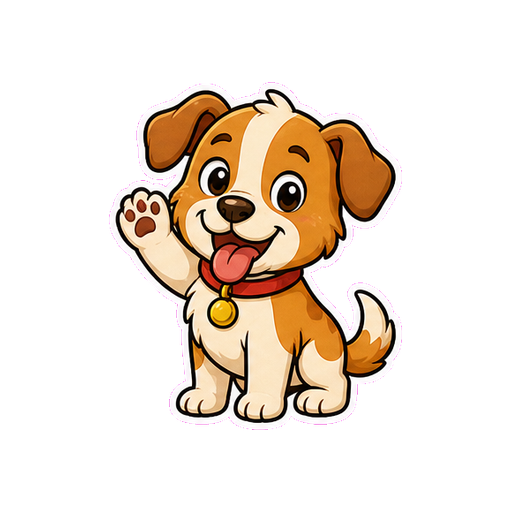
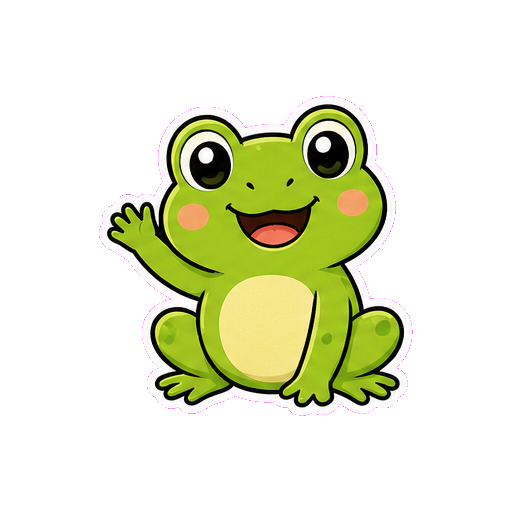

 PicSticker


फ़ोटो, videos, memes और AI art को WhatsApp और Telegram के animated sticker packs में बदलें। Subject cut करें, caption जोड़ें और जल्दी export करें.
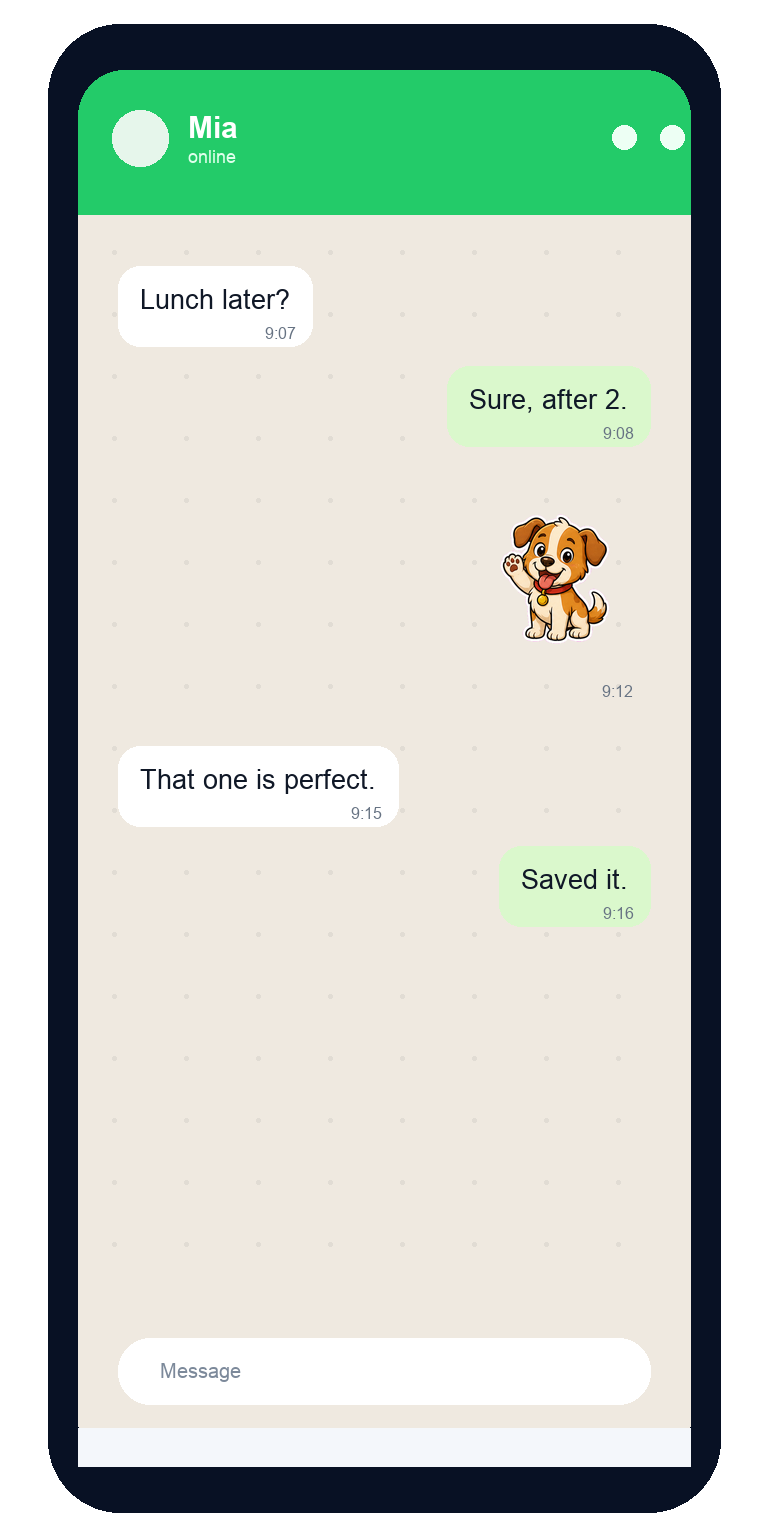
Auto cutout
Animated stickers
WhatsApp export
Telegram packs
Transparent background, साफ outline और real chat reactions के साथ cute और expressive sets बनाएं.
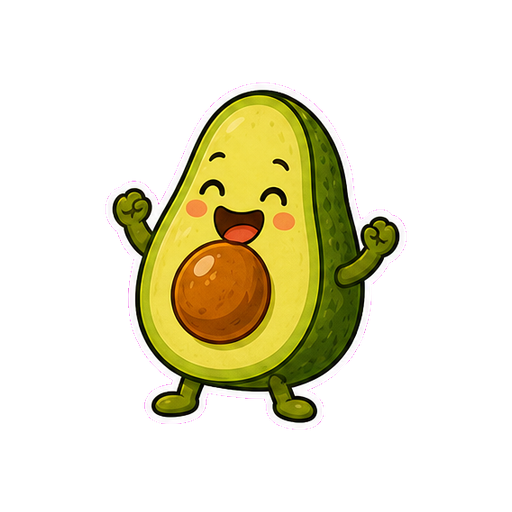


Daily chat के लिए simple flow, और creators के लिए enough polish ताकि pack consistent लगे.

Camera roll, short video, Live Photo, meme या AI idea से शुरुआत करें.
Auto cutout, outline, text और AI look से sticker को finished बनाएं.
Pack save करें, WhatsApp या Telegram में add करें और real chats में भेजें.
Custom messages, memes, short animations और clean cutouts के लिए focused AI tools.
Daily chats के लिए ready reactions, funny stickers और curated packs देखें.
Text prompt से sticker concept बनाएं या photo theme को digital style में बदलें.
Sticker packs save करें और WhatsApp, Telegram या friends के साथ share करें.
Photo या short video upload करें, face, pet, food या object isolate करें और sticker-style border जोड़ें ताकि हर chat background पर clear दिखे.
Pack export करने से पहले texture, contrast और outline preview करें.
Images, clips, captions और export steps को reusable sticker packs में बदलने वाले tools.
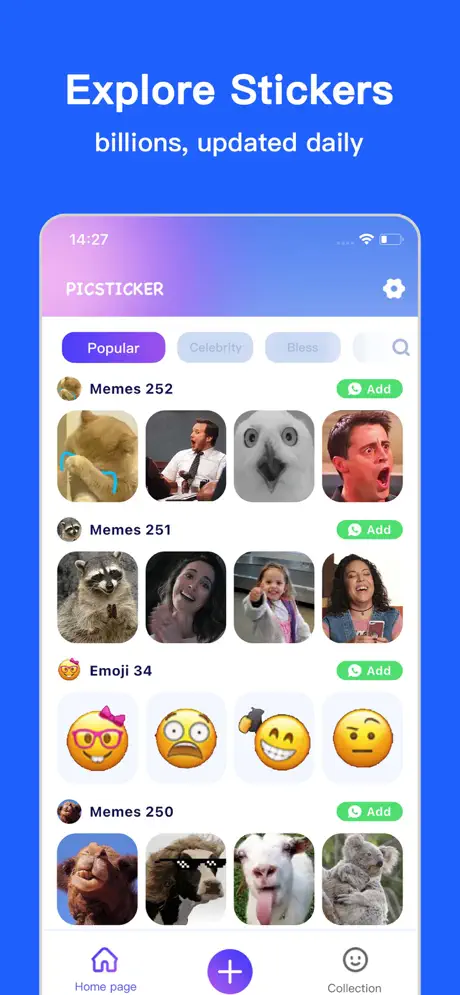
Prompt से stickers generate करें या comic और pixel styles apply करें.

Live Photos या short videos को GIF-style stickers में बदलें.
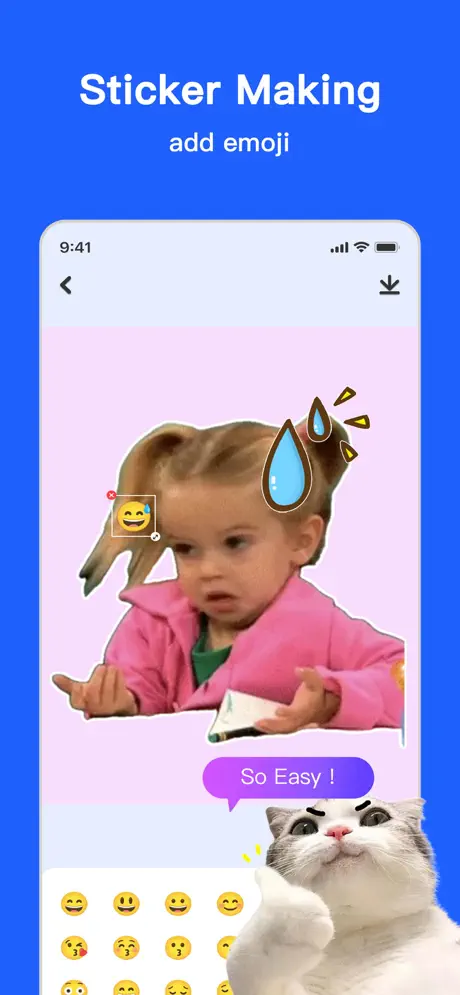
Filters से photo enhance करें या custom templates combine करें.
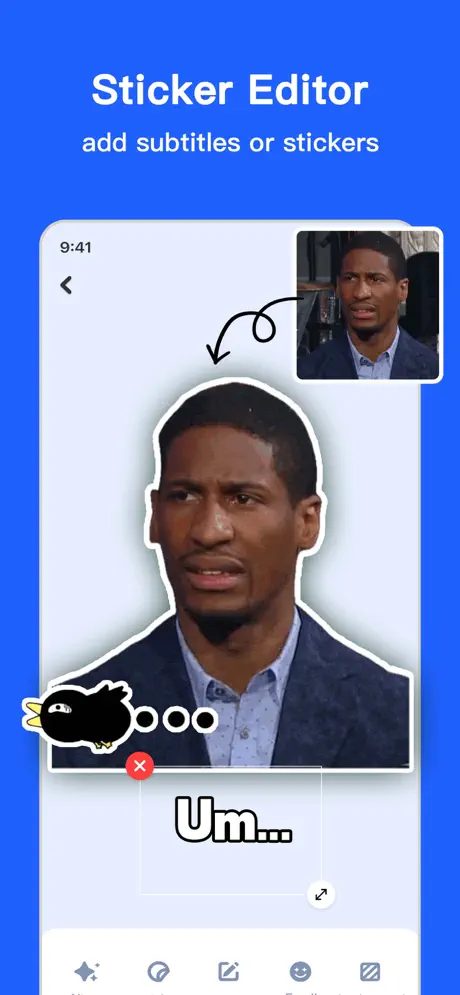
Text overlay जोड़ें और WhatsApp या Telegram export करें.
Sticker sizes, export formats, transparent backgrounds और pack planning की practical जानकारी.
WhatsApp stickers के लिए canvas size, WebP export, file limits, tray icon, animated sticker duration और background checks.
Guide पढ़ें Telegram के static, animated और video sticker formats को समझें ताकि export blur या भारी न हो.
Guide पढ़ें Light, dark और patterned chat backgrounds पर readable stickers बनाने के लिए clean cutout, border और small preview checks.
Guide पढ़ें PicSticker download करें और WhatsApp तथा Telegram के लिए sticker packs बनाएं.